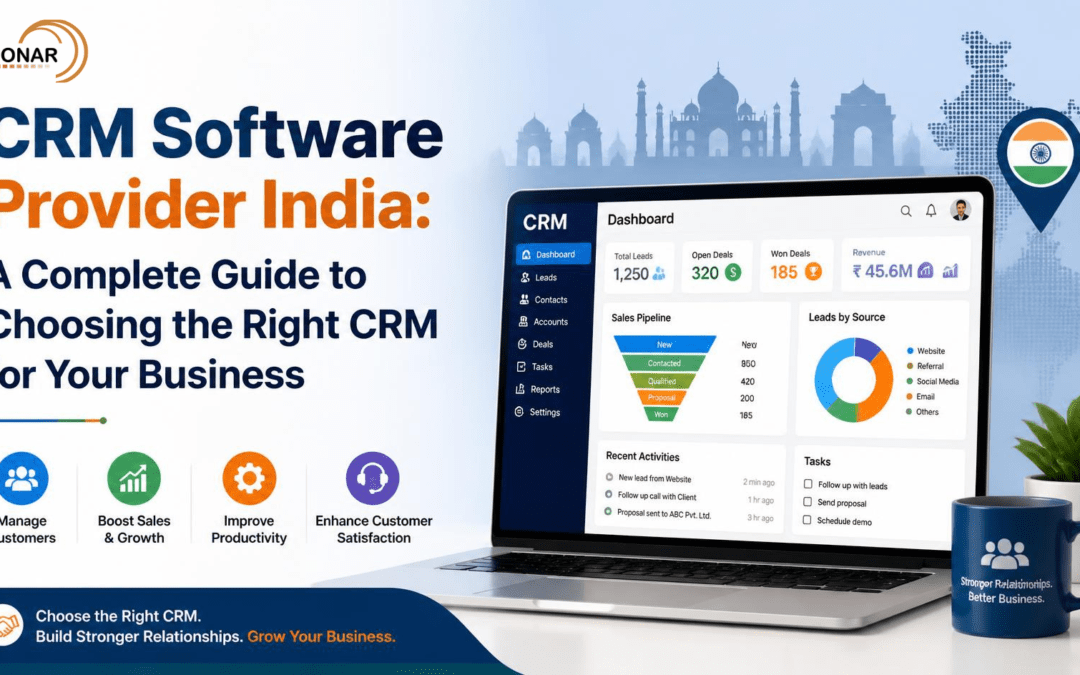
Choosing the right CRM software provider in India can make a significant difference in how a business manages leads, customers, sales activities, and long-term relationships. As businesses grow, managing customer information through spreadsheets, emails, phone contacts, and messaging apps can quickly become difficult.
A Customer Relationship Management (CRM) system brings customer information, sales activities, communication, follow-ups, and reporting into a centralised platform. Modern CRM platforms can also support automation, analytics, artificial intelligence, marketing activities, and customer service.
For Indian businesses, choosing a CRM is not simply about selecting software with the most features. The right solution should fit the organisation’s sales process, team size, industry, budget, technology environment, and growth plans.
In this guide, we explain what CRM software is, why businesses in India need it, which features to consider, and how to select the right CRM software provider India for your organisation.
What Is CRM Software?
CRM stands for Customer Relationship Management. CRM software is designed to help businesses organise and manage their interactions with prospects and customers.
Instead of keeping customer information in different spreadsheets, email inboxes, phonebooks, and individual systems, a CRM provides a central location for managing customer data.
A typical CRM can help businesses:
- Store customer and prospect information
- Capture and manage leads
- Track sales opportunities
- Manage sales pipelines
- Schedule follow-ups
- Record calls, emails, and meetings
- Automate repetitive tasks
- Generate sales reports
- Analyse customer behaviour
- Improve collaboration between sales and customer-service teams
CRM platforms are now used by businesses ranging from startups and small businesses to large enterprises.
Why Do Indian Businesses Need CRM Software?
The Indian business environment is highly competitive, with companies generating enquiries through multiple channels, including websites, search engines, social media, online marketplaces, phone calls, email, and messaging platforms.
Without a centralised system, sales teams can easily lose track of enquiries or miss follow-ups.
A CRM helps create a single source of customer information and gives management greater visibility into the sales process.
For example, instead of asking a sales representative:
“What happened with this lead?”
A manager can open the CRM and see the lead’s status, previous conversations, assigned salesperson, next follow-up date, and sales-stage information.
This becomes particularly valuable as a company expands its sales team or operates across multiple locations.
Key Benefits of CRM Software for Indian Businesses
1. Centralised Customer Data
A CRM keeps customer information in one location.
Sales representatives can access contact details, previous interactions, notes, enquiries, quotations, and other relevant information without searching through multiple systems.
This creates a more consistent view of each customer.
2. Better Lead Management
Lead management is one of the most important functions of CRM software.
A CRM can capture leads, assign them to sales representatives, track their progress, and identify which leads require follow-up.
This helps reduce the possibility of enquiries being forgotten or overlooked.
3. Improved Sales Pipeline Visibility
A CRM can provide a visual representation of the sales pipeline.
For example:
New Lead → Qualified → Proposal → Negotiation → Won/Lost
Sales managers can quickly understand how many opportunities are at each stage and identify potential bottlenecks.
4. Automated Follow-Ups
Sales teams often lose opportunities because follow-ups are delayed.
CRM automation can create reminders and workflows for follow-ups, emails, tasks, and other repetitive activities.
Automation can reduce manual administration and allow salespeople to spend more time engaging with prospects.
5. Better Customer Service
Customer relationships do not end after a sale.
A CRM allows service teams to access previous customer interactions and understand the customer’s history.
This can help employees provide more relevant and consistent support.
6. Data-Driven Decision Making
CRM dashboards can provide information about sales performance, conversion rates, lead sources, revenue opportunities, customer activity, and team performance.
Instead of relying entirely on assumptions, managers can use business data to make decisions.
Modern CRM platforms increasingly combine analytics and AI capabilities with customer data to help businesses identify opportunities and improve productivity.
Important CRM Features to Look for in India
Not every CRM platform is suitable for every business. Before selecting a provider, businesses should evaluate the features that are most relevant to their operations.
Lead Management
The CRM should allow businesses to capture, qualify, assign, and track leads throughout the sales cycle.
Contact Management
The system should maintain detailed customer and company records, including communication history and relevant notes.
Sales Pipeline Management
A flexible sales pipeline allows businesses to create stages that match their actual sales process.
Workflow Automation
Automation can help with repetitive tasks such as assigning leads, creating reminders, sending notifications, and updating records.
Reporting and Analytics
Look for dashboards that provide useful information about leads, sales, conversion rates, revenue, and team performance.
Mobile Access
Sales representatives and field teams may need to access customer information while working outside the office. Mobile-friendly CRM access can therefore be an important consideration.
Integration Capabilities
A CRM should ideally integrate with the tools your business already uses, such as email, websites, marketing platforms, accounting systems, telephony, and communication platforms.
Security and Access Controls
Customer information is valuable business data. Businesses should evaluate authentication, permissions, backups, access controls, and data-protection capabilities before selecting a CRM.
How to Choose the Right CRM Software Provider in India
Choosing a CRM software provider India businesses can rely on requires more than comparing feature lists.
Consider the following factors.
1. Understand Your Business Requirements
Start by identifying the problems you want the CRM to solve.
Ask:
- Are leads being lost?
- Are follow-ups being missed?
- Is customer information spread across different systems?
- Does management lack sales visibility?
- Does the sales team spend too much time on manual administration?
- Do different departments work with disconnected customer information?
- Your answers will help determine which CRM features are actually necessary.
2. Consider Your Business Size
A startup may need a straightforward CRM for contacts, leads, follow-ups, and sales tracking.
A growing organisation may require advanced automation, integrations, analytics, multiple teams, and role-based access.
Large enterprises may require extensive customisation, advanced security, complex workflows, and integration with existing enterprise systems.
3. Evaluate Ease of Use
A CRM is only useful if employees actually use it.
An extremely complicated platform can create resistance among sales teams.
Look for a solution that offers an intuitive interface, straightforward workflows, mobile accessibility, and suitable training or onboarding support.
4. Check Integration Requirements
Before choosing a CRM, identify the systems that need to connect with it.
These might include:
- Website forms
- Marketing platforms
- Accounting software
- Telephony
- Customer-support systems
- Social media
- Messaging platforms
- Business analytics tools
- Integration can help prevent customer data from becoming fragmented across multiple platforms.
5. Evaluate Scalability
Your CRM should be able to grow with your organisation.
Consider:
- Number of users
- Number of customers
- Multiple locations
- Additional sales teams
- New products and services
- Increasing data volumes
- Automation requirements
- Future integrations
Selecting a system that can scale can prevent another expensive migration later.
CRM Software vs Excel: Which Is Better?
Many small businesses initially manage customers using Excel or spreadsheets.
Spreadsheets can work for basic record keeping, but they generally require more manual management as the organisation grows.
A CRM can provide capabilities such as:
| Capability | Spreadsheet | CRM |
| Contact management | Yes | Yes |
| Sales pipeline | Manual | Built-in |
| Automated follow-ups | Limited | Yes |
| Lead assignment | Manual | Automated |
| Customer interaction history | Limited | Centralised |
| Sales dashboards | Basic | Advanced |
| Workflow automation | Limited | Yes |
| Team collaboration | Limited | Yes |
| Scalability | Limited | High |
The right choice ultimately depends on the complexity and growth stage of the business
CRM for Small and Medium Businesses in India
CRM software is not only for large enterprises.
Small and medium-sized businesses can also benefit from CRM technology, particularly when they have multiple salespeople or generate a significant number of enquiries.
A small business may start with:
- Contact management
- Lead tracking
- Sales pipeline
- Follow-up reminders
- Basic reporting
As the business grows, it can add automation, integrations, marketing functionality, customer support, advanced analytics, and AI-powered features.
CRM and Artificial Intelligence
AI is becoming an increasingly important part of modern CRM platforms.
AI can potentially assist businesses with activities such as:
- Lead prioritisation
- Sales forecasting
- Customer insights
- Automated summaries
- Content generation
- Follow-up recommendations
- Data analysisWorkflow automation
The value of AI, however, depends heavily on the quality and structure of the underlying customer data.
Businesses should therefore focus on establishing good CRM processes before expecting AI to solve every sales or customer-management problem.
Common Mistakes Businesses Make When Selecting CRM Software
Choosing Based Only on Price
The cheapest CRM is not necessarily the most cost-effective option.
Businesses should consider implementation, training, integrations, support, scalability, and long-term usage.
Buying Too Many Features
More features do not automatically mean a better CRM.
A smaller platform that perfectly fits the business workflow may deliver better results than a complex system that employees struggle to use.
Ignoring User Adoption
Employees need to understand why the CRM is being introduced and how it will make their work easier.
Training and internal processes are therefore important parts of CRM implementation.
Not Planning Data Migration
Moving existing customer information into a new CRM requires planning.
Businesses should clean duplicate, outdated, or incomplete records before importing data.
Failing to Define KPIs
Before implementation, establish what success looks like.
Possible CRM KPIs include:
- Lead response time
- Lead-to-opportunity conversion
- Opportunity-to-customer conversion
- Sales cycle length
- Revenue per salesperson
- Follow-up completion rate
- Customer retention
- Customer acquisition cost
Why Choose an Experienced CRM Software Provider?
The software itself is only one part of a successful CRM project.
An experienced CRM software provider in India can help businesses understand their requirements, configure workflows, integrate systems, migrate data, train users, and optimise the CRM over time.
This can be especially important when a business has complex sales processes or requires integrations with existing applications.
A technology partner should ideally understand both the software and the business processes behind it.
How Sonar Technologies Can Help
Sonar Technologies helps businesses explore technology solutions that align with their operational and growth requirements.
When selecting and implementing CRM technology, the focus should not simply be on purchasing software. The objective should be to create a connected process where sales teams can manage leads, customer information, follow-ups, opportunities, and reporting efficiently.
Sonar Technologies can help businesses evaluate their technology requirements and identify CRM approaches that fit their existing infrastructure and future growth plans.
Whether you are a startup looking for your first CRM or an established organisation considering a more scalable customer-management platform, having the right technology strategy can make implementation more effective.
Final Thoughts
Choosing the right CRM software provider India businesses can depend on is an important technology decision.
The ideal CRM should help your organisation centralise customer information, manage leads, automate repetitive activities, improve sales visibility, and build stronger customer relationships.
Instead of choosing a CRM simply because it is popular or has a long list of features, evaluate it against your actual business requirements.
Consider usability, integrations, scalability, automation, security, reporting, support, and total cost of ownership.
With the right CRM strategy and technology partner, businesses can turn scattered customer information into a structured system that supports better sales performance and long-term growth.
Frequently Asked Questions
What is a CRM software provider?
A CRM software provider offers technology that helps businesses manage customer information, leads, sales activities, communications, follow-ups, and customer relationships.
How do I choose a CRM software provider in India?
Evaluate the provider based on its software capabilities, industry experience, integrations, scalability, security, implementation support, training, customer service, and overall cost.
Is CRM software suitable for small businesses in India?
Yes. Small businesses can use CRM software to organise leads, manage customer information, automate follow-ups, and monitor sales activities.
What are the most important CRM features?
Important features include contact management, lead management, sales pipeline management, automation, reporting, integrations, mobile access, security, and analytics.
Can CRM software integrate with other business applications
Yes. Many modern CRM platforms provide integrations with email, websites, marketing platforms, accounting systems, telephony, customer-support platforms, and other business applications.
Why should businesses work with a CRM software provider?
A provider or implementation partner can help businesses select the appropriate platform, configure workflows, migrate data, integrate applications, train users, and support ongoing optimisation.